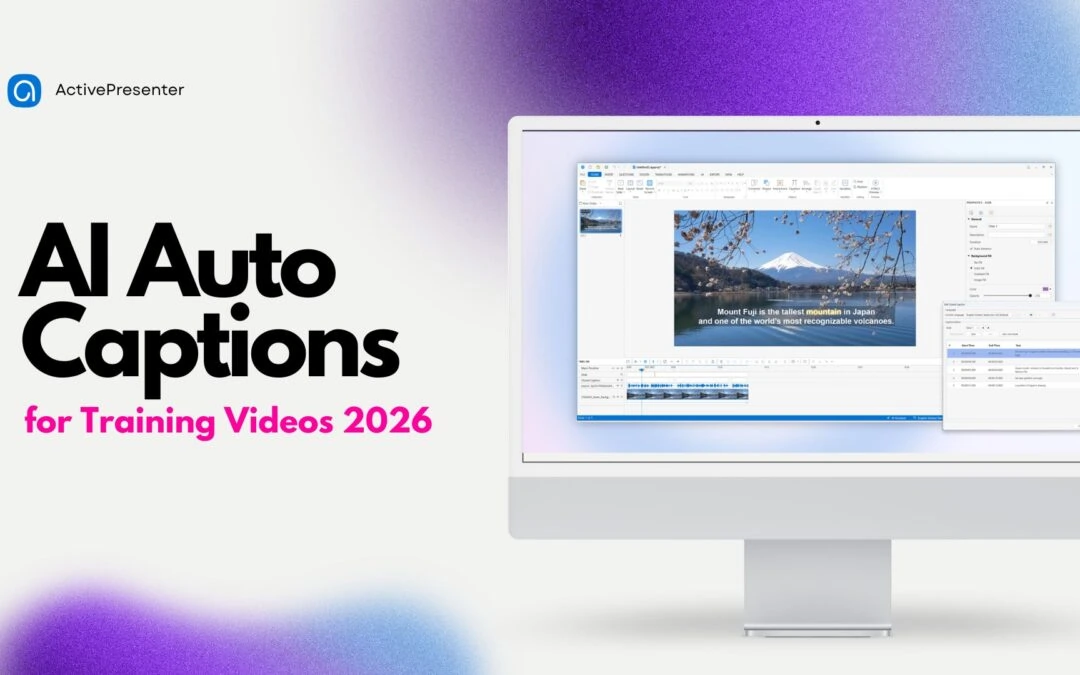
Spending an entire afternoon manually typing timestamps for a 15-minute training video is a frustration every instructional designer knows. Scale that across dozens of lessons, multiple languages, and frequent content updates, and captioning quickly becomes one of the...
If you’ve ever recorded a screen tutorial only to realize the narration is half a second out of sync, or watched your completion rates drop because learners tune out three minutes into a “watch and hope you remember” video, you already know the...
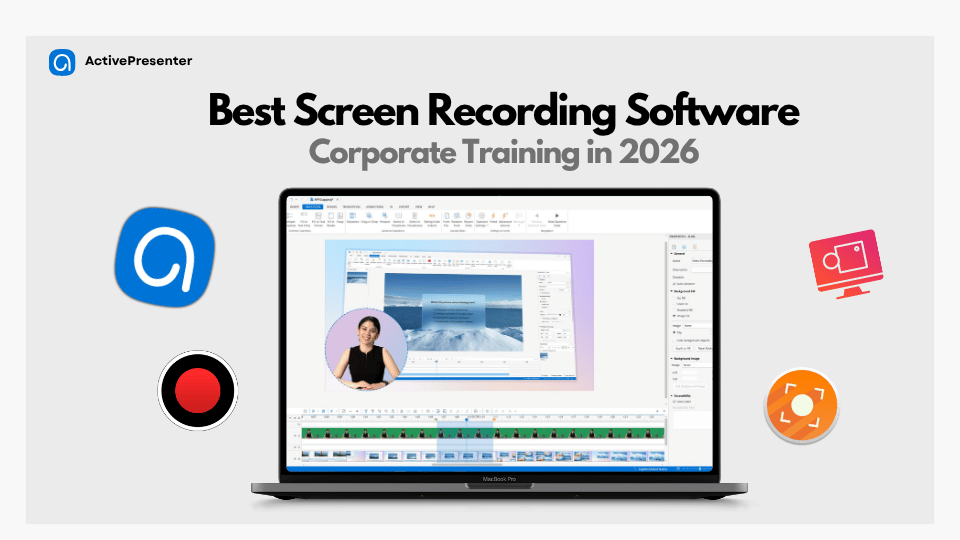
There’s nothing more frustrating than finishing a perfect tutorial take only to realize a massive watermark is blocking your UI or a hidden 5-minute timer killed the recording mid-sentence. Most “free” tools are just bait for quick clips, leaving you to...
If you’ve ever tried to onboard 50 new hires using nothing but PowerPoint and a shared Zoom link, you already know the pain: inconsistent messaging, zero completion tracking, and a trainer who has to repeat the same session for the tenth time this quarter....
If you’ve spent any time hunting for a “free desktop screen recorder,” you already know the frustration: half the tools slap a giant logo across your finished video, and the other half cap you at five minutes right when your explanation is getting...
If you’ve ever scrambled to hit “Record” three minutes into a Zoom call, or discovered afterward that your Teams meeting saved with your face missing and audio slightly out of sync, you know the frustration. Native meeting recorders are fine for a...