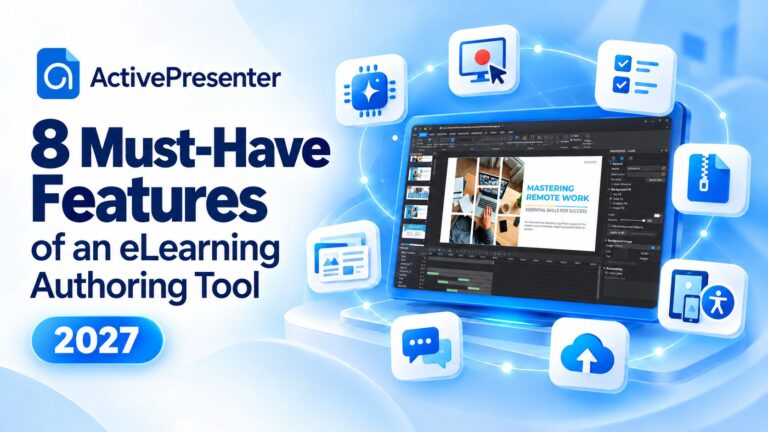
Choosing an eLearning authoring tool for 2027 starts with the training you need to deliver. An editor may produce attractive slides yet leave you struggling to update a procedure, support mobile learners, or report course results correctly in your learning management...
Choosing an eLearning authoring tool means looking beyond attractive templates. You need software that supports your course logic, accessibility goals, review process, and budget—and remains practical when the next revision arrives. This Lectora review examines its...
When using an eLearning authoring tool, branching scenarios can turn a linear course into an interactive learning experience where learners make decisions and follow different paths based on their choices. Scenario Editor in ActivePresenter 10.6 provides a visual...
If you’ve ever stared at a 60-slide PowerPoint deck and thought, “There’s no way I’m rebuilding this from scratch in an authoring tool,” you’re not alone. Most trainers and instructional designers already have years of content...
Creating a polished screen-recorded tutorial often takes more than simply capturing your screen. You may need to zoom in on important actions, smooth cursor movements, highlight keyboard shortcuts, adjust the recording layout, or add a webcam presenter. Smart Studio...
A software tutorial needs to make each action easy to follow. For instructional designers and course creators, it also needs to reach learners through an LMS and report the results that matter. This guide explains how to create a software tutorial with Smart Studio in...