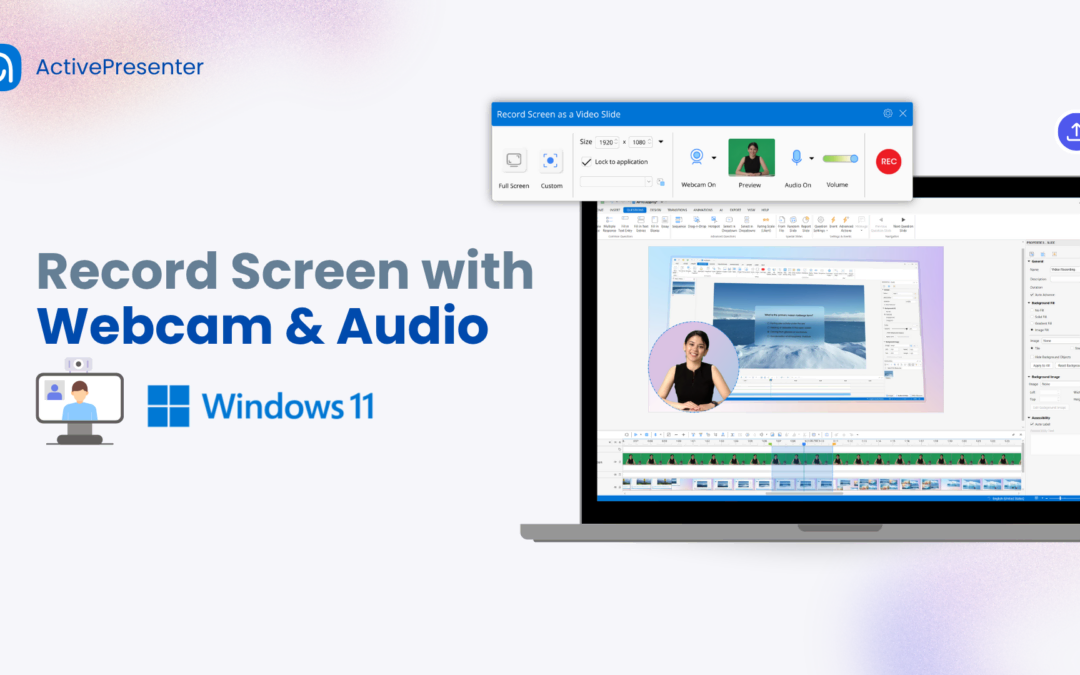
Since its release in 2021, Windows 11 has introduced a cleaner interface, better performance, and a growing collection of built-in productivity tools. Recording your screen on Windows 11 with audio and a webcam is now easier than ever, thanks to several free screen...
Building interactive training guides from scratch is one of the most time-consuming tasks in any eLearning developer’s workflow. You record the screen, manually add annotations, insert click zones, write feedback messages – and by slide 12, you’re...
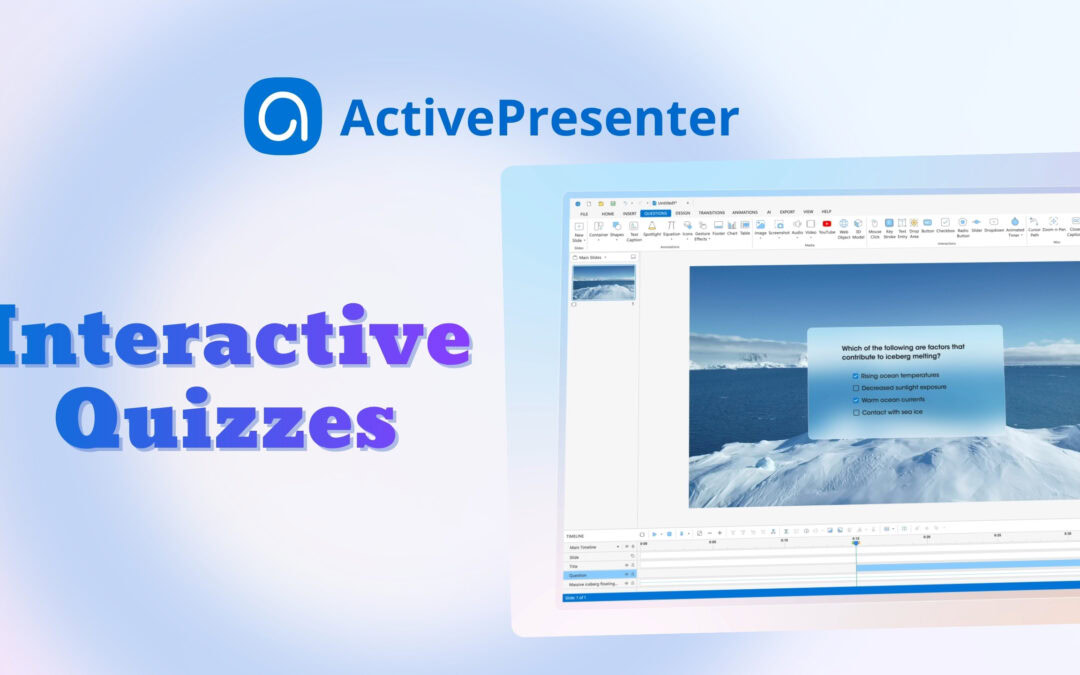
Create interactive quizzes are one of the most effective ways to increase learner engagement & reinforce knowledge. Whether you’re creating training materials for employees, educational content for students, or self-paced online courses, ActivePresenter...
In ActivePresenter 10.5, the closed caption (CC) system is redesigned to give you professional-grade control over how your text looks, moves, and reaches a global audience. Whether you’re a teacher building lesson content, an eLearning creator optimizing engagement,...
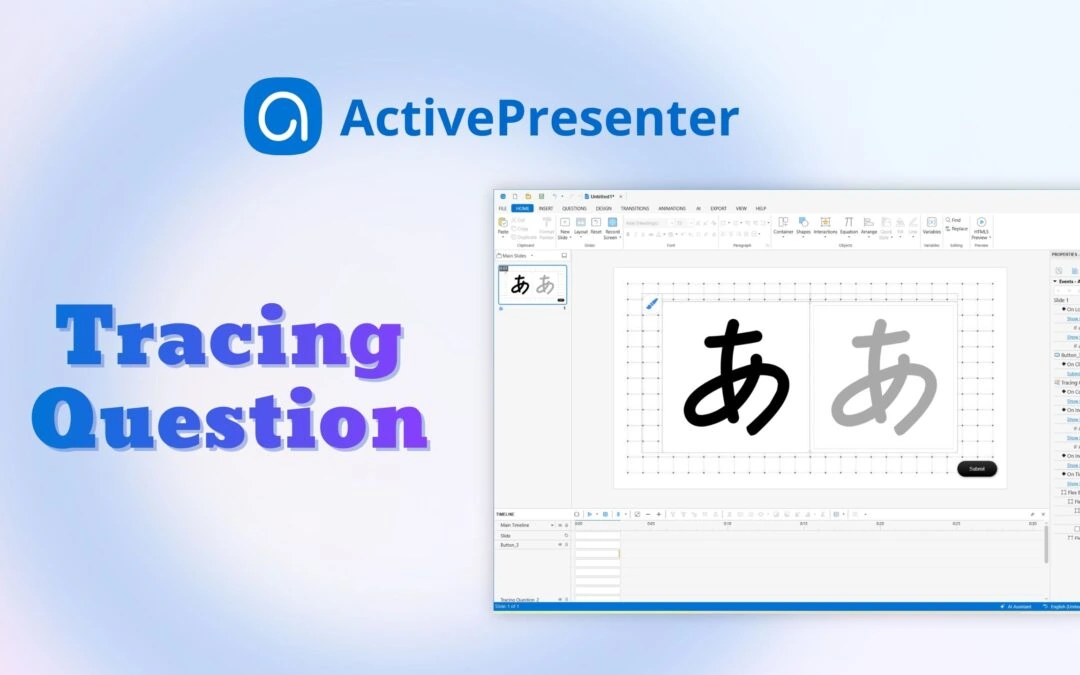
If you’ve ever wanted learners to practice writing, drawing characters, or tracing paths directly to create an eLearning course, a Tracing Interaction/Question in ActivePresenter eLearning authoring tool is the feature you need. Looking for the right tool to...
In ActivePresenter 10.5, we fundamentally reimagined how instructional designers and developers interact with an eLearning authoring space. Instead of dividing these capabilities into a single, bloated system, we split our AI architecture into two separate, dedicated...